Indiramm Indlu Grievance 2026 Entry & Grievance Search – Step-by-Step Guide
The Indiramma Illu Grievance facility allows applicants and beneficiaries of the Telangana housing scheme to raise complaints and track them online. This system helps people report issues related to application status, verification delays, incorrect details, or housing allotment problems without visiting government offices.
What is Indiramma Illu Grievance System?
The Grievance System is an online support service provided by the Telangana Government under the Indiramma Illu housing scheme. It allows applicants to:
- Submit complaints using a mobile number
- Track grievance status using a grievance ID or mobile number
- Get transparent and time-bound responses from officials
Types of Grievance Services Available
Applicants can use two main grievance options:
- Grievance Entry – to submit a new complaint
- Grievance Search – to track an already submitted complaint
Official Website for Grievance Services
All grievance-related services are available on the official portal:
👉 https://indirammaindlu.telangana.gov.in/
Always ensure you are using the official Telangana Government website.

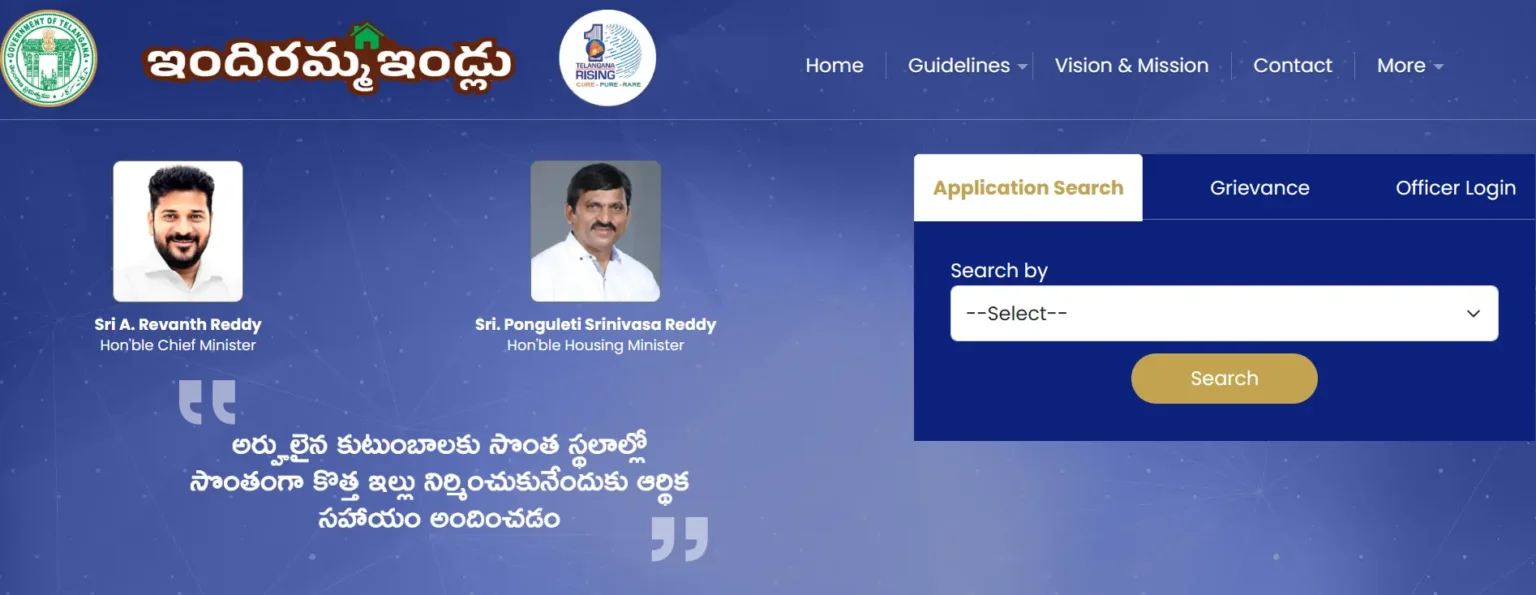
How to Submit Grievance Entry by Mobile Number
Use this option if you want to register a new grievance.
Step-by-Step Process
Step 1: Visit the official Indiramma Illu website
Open https://indirammaindlu.telangana.gov.in/

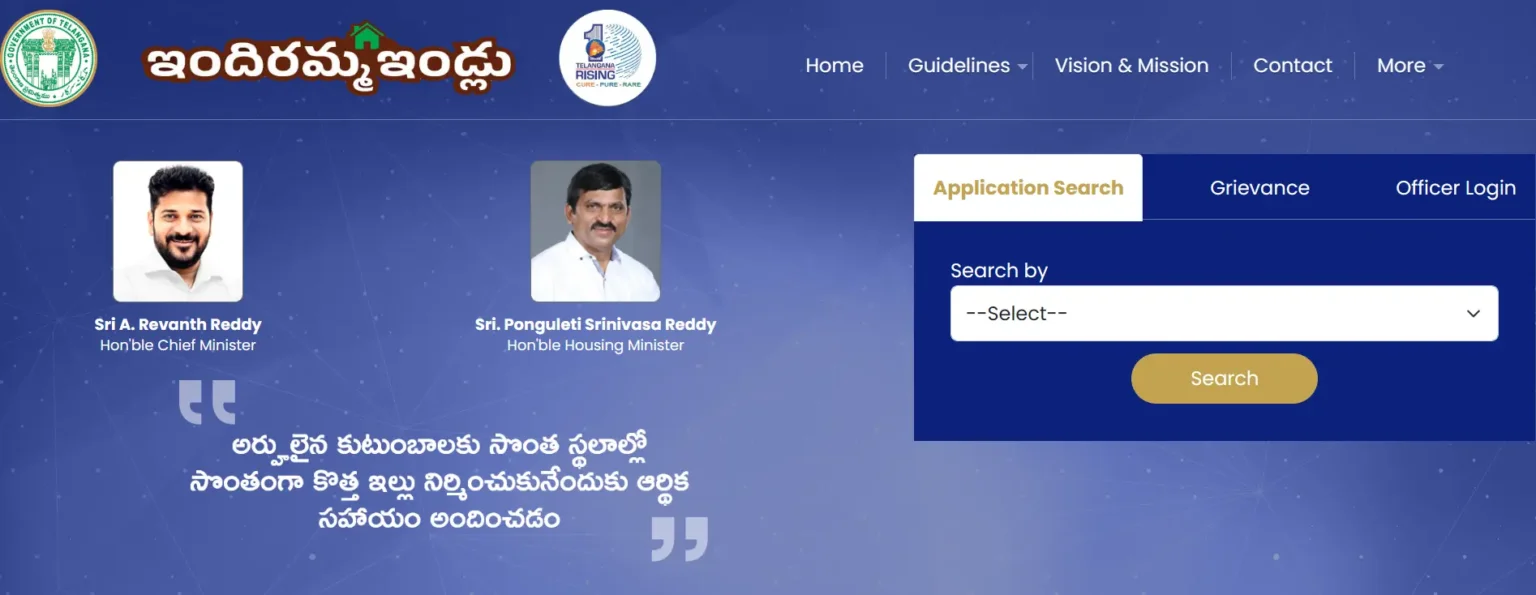
Step 2: Go to the “Grievance” Tab
On the homepage, click on the Grievance option.

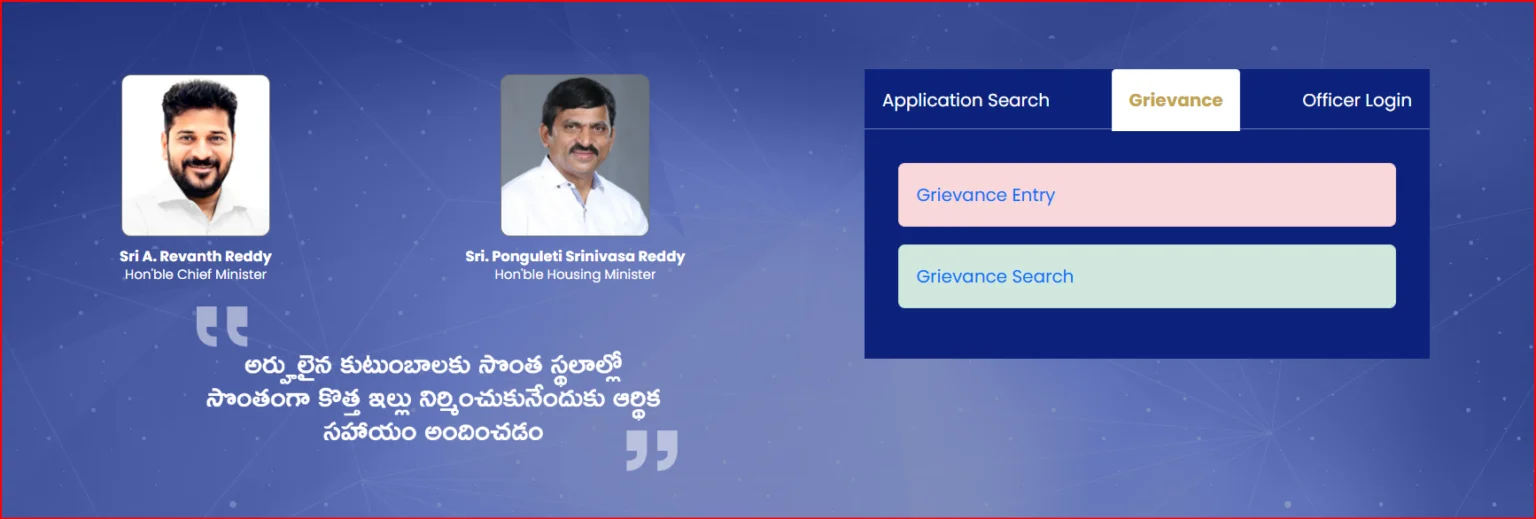
Step 3: Select “Grievance Entry”
Choose the Grievance Entry option to submit a new complaint.

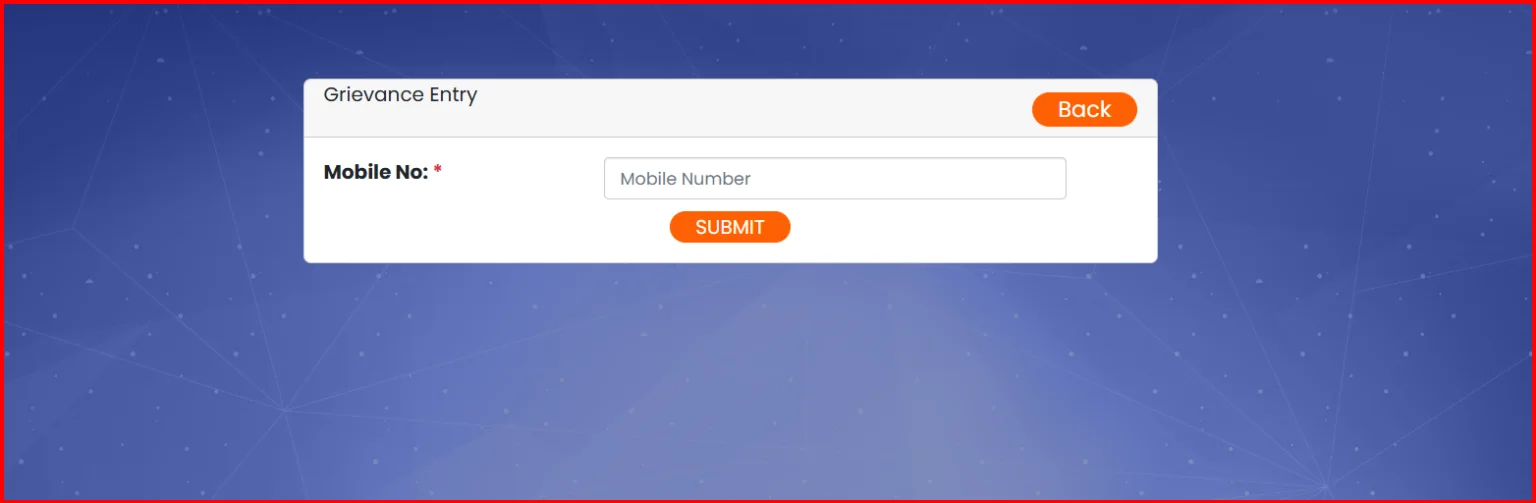
Step 4: Enter Mobile Number
Enter your registered mobile number carefully.
Step 5: Fill Grievance Details
Provide details such as:
- Application issue
- Verification delay
- Incorrect beneficiary details
- House allotment or payment issue
Step 6: Submit the Grievance
After checking all details, click on Submit.
Step 7: Note Grievance ID
After successful submission, a Grievance ID will be generated.
Save this ID carefully for future tracking.
How to Search Grievance Status by Grievance ID
This option is useful if you already submitted a grievance.

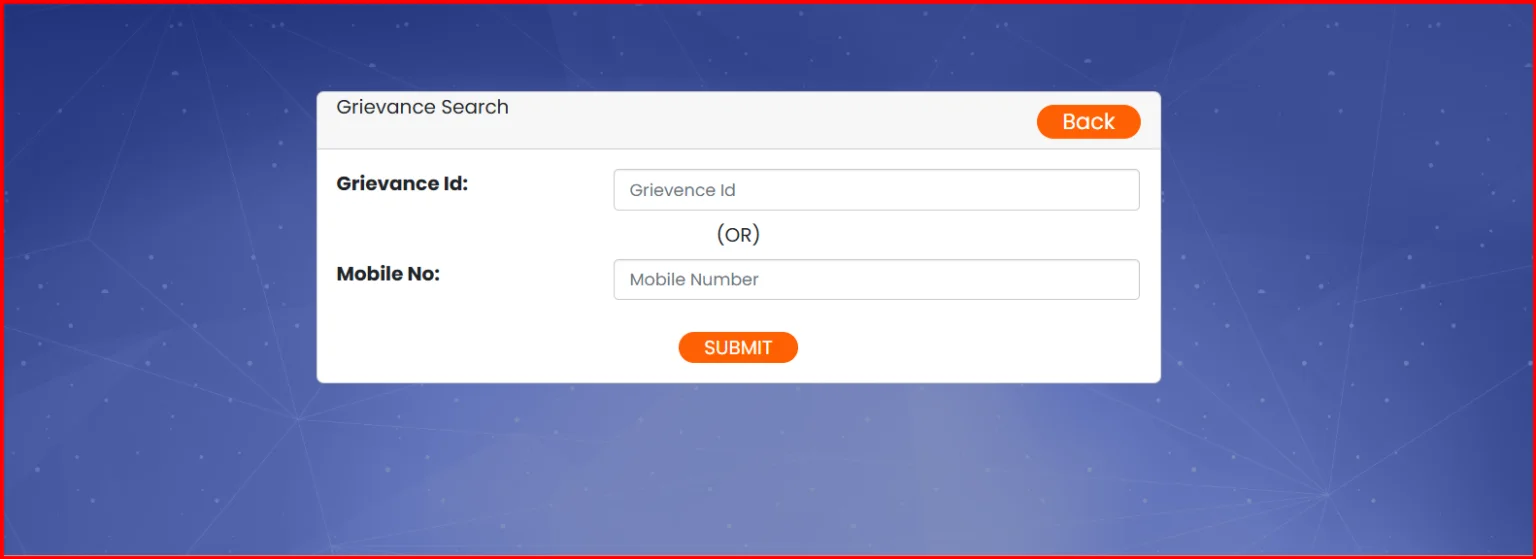
Step-by-Step Process
Step 1: Visit the official Indiramma Illu portal
Step 2: Click on the Grievance section
Step 3: Select Grievance Search
Step 4: Choose Search by Grievance ID
Step 5: Enter your Grievance ID
Step 6: Click on Search
Your grievance status and response details will be displayed on the screen.
How to Search Grievance Status by Mobile Number
If you forgot your grievance ID, you can use your mobile number.
Step-by-Step Process
Step 1: Open the Indiramma Illu official website
Step 2: Go to Grievance → Grievance Search
Step 3: Select Search by Mobile Number
Step 4: Enter your registered mobile number
Step 5: Click on Search
The system will show all grievances linked to that mobile number along with their current status.
Grievance Status Meanings
After searching, you may see one of the following statuses:
- Submitted – Grievance registered successfully
- In Process – Complaint under review by officials
- Resolved – Issue addressed and closed
- Rejected – Grievance not valid or insufficient details
What to Do If Grievance Is Not Resolved
If your grievance remains unresolved for a long time:
- Recheck grievance details
- Submit a follow-up grievance
- Visit your nearest Gram Panchayat or Municipal Office
- Contact the toll-free helpline
Offline Method to Submit or Check Grievance
If online access is not available, visit:
- Gram Panchayat Office
- Municipal Office
- District Housing Office
Carry your mobile number, Aadhaar card, or grievance ID.
Frequently Asked Questions (FAQs)
How can I submit a grievance for Indiramma Illu?
You can submit a grievance online through the Grievance Entry option using your mobile number.
Can I check grievance status without grievance ID?
Yes. You can use your registered mobile number to search grievance status.
How long does it take to resolve a grievance?
Resolution time depends on the issue type. Most grievances are addressed after verification by local authorities.
What if I entered the wrong mobile number?
You may not be able to track the grievance. Try contacting the helpline or submit a new grievance with correct details.
Conclusion – Indiramma Illu Grievance Summary
The Indiramma Illu Grievance system ensures that beneficiaries can easily raise complaints and track their status online. Using Grievance Entry by mobile number and Grievance Search by grievance ID or mobile number, applicants can get timely updates and resolutions without unnecessary office visits.
Need Help?
If you face issues with grievance submission or tracking, contact the toll-free helpline:
📞 1800-599-5991
Always use the official Indiramma Illu website for correct and updated information.